Your M365 Tenant.
X-rayed in minutes.
SafeScan runs 40+ security checks across identity, data, compliance, and Copilot readiness-with remediation steps included. Free. Read-only. Instant.
Security clarity, not security theatre.
Most security tools tell you what's wrong. SafeScan tells you what to do about it-with the evidence to back it up.
Instant Risk Visibility
Know exactly where your M365 tenant is exposed-data, identity, compliance, and Copilot risk-within 5 minutes of connecting. No configuration, no deployment, no agents.
Actionable, Not Just Audit
Every finding comes with a prioritised remediation step and a PowerShell script where applicable. Not a checkbox exercise-a real path from risk to resolution.
Safe by Design
Read-only Microsoft Graph access. No agents, no scripts, no tenant modifications. Approved by security teams in regulated industries including finance and legal.
Everything you need to secure and prove it.
Six deep-dive views across every M365 security domain-from data governance to Conditional Access.
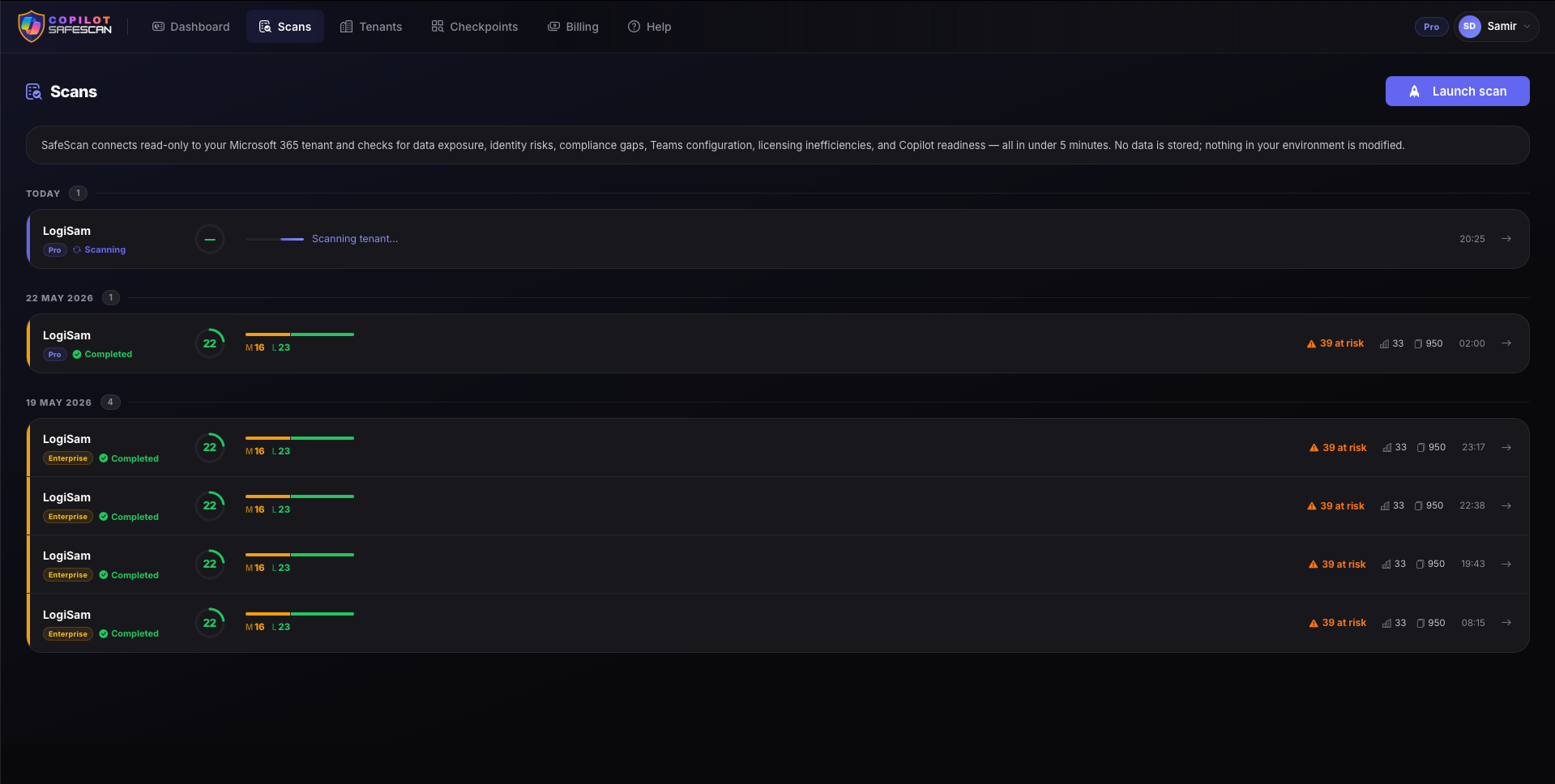
Scan History & Overview
Run a scan, compare results over time. SafeScan keeps your full history so you can track your security posture as it improves-and show the board the trend line.
- Full scan history with timestamps and scores
- Score trends and delta from last scan
- At-a-glance posture dashboard per scan
- Export-ready for stakeholder reporting
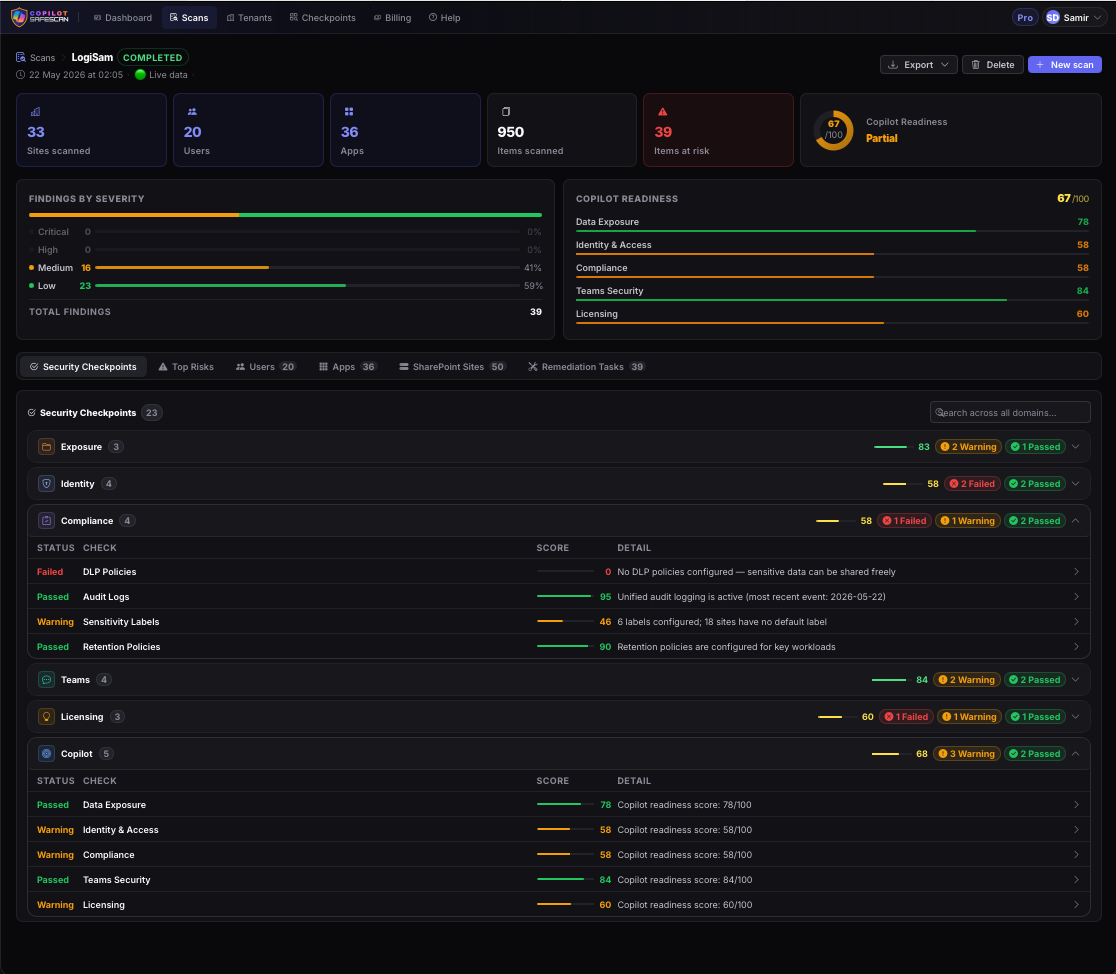
Security Checkpoints
Every check across all 6 domains laid out in one view-pass, warn, or fail-so you can prioritise what matters most and focus remediation where risk is highest.
- 40+ individual security checks
- Severity-ranked: Critical / High / Medium / Low
- Grouped by domain for easy navigation
- One-click drill-down to finding detail
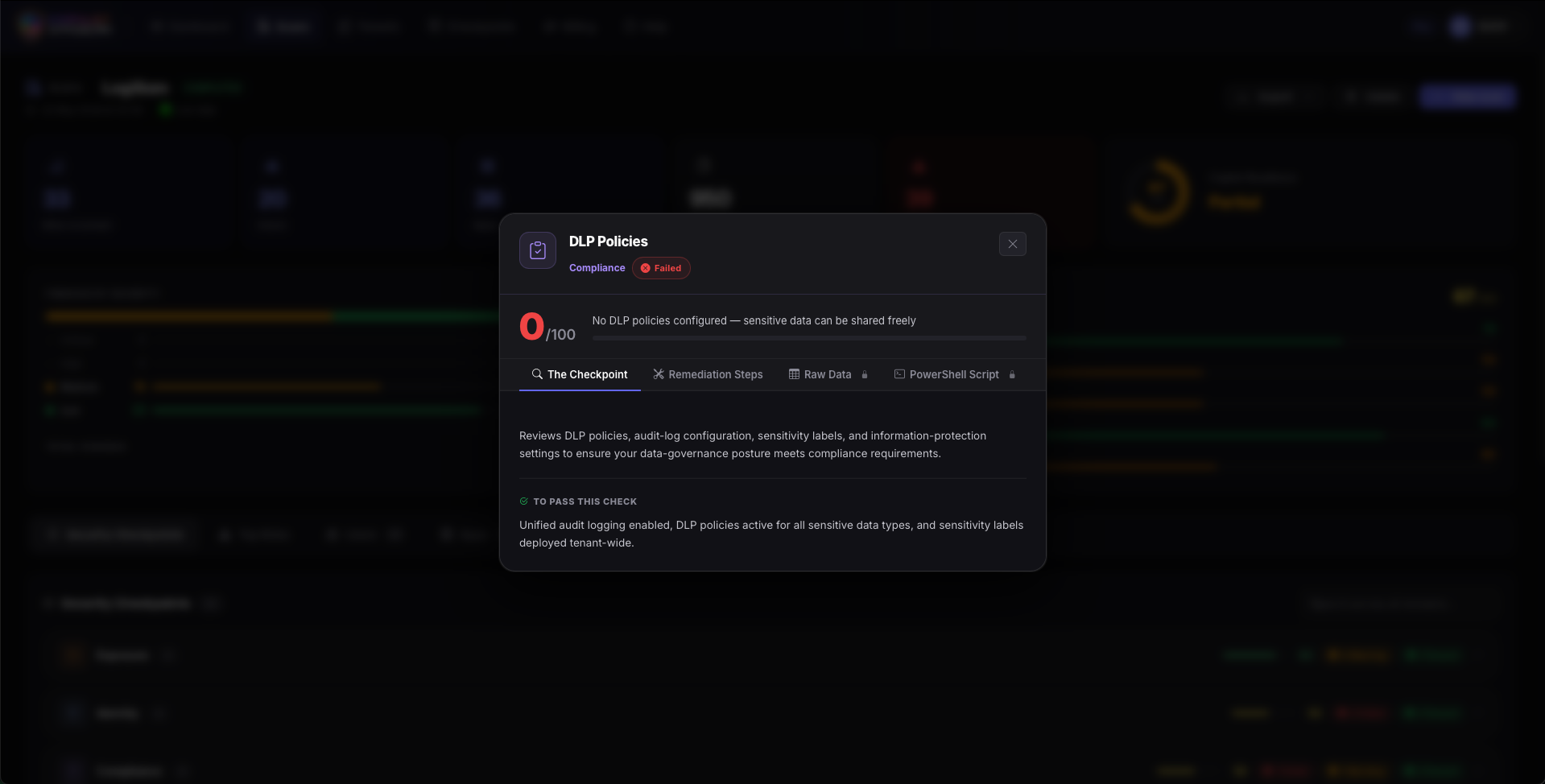
DLP Policy Coverage
See exactly which Data Loss Prevention policies are active, which are missing, and where sensitive data could leak through gaps your current policies don't cover.
- Policy coverage by workload (Teams, Exchange, SharePoint)
- Copilot data exposure risk flagged where DLP is absent
- Missing policy recommendations with templates
- Regulatory alignment check (GDPR, HIPAA, PCI)
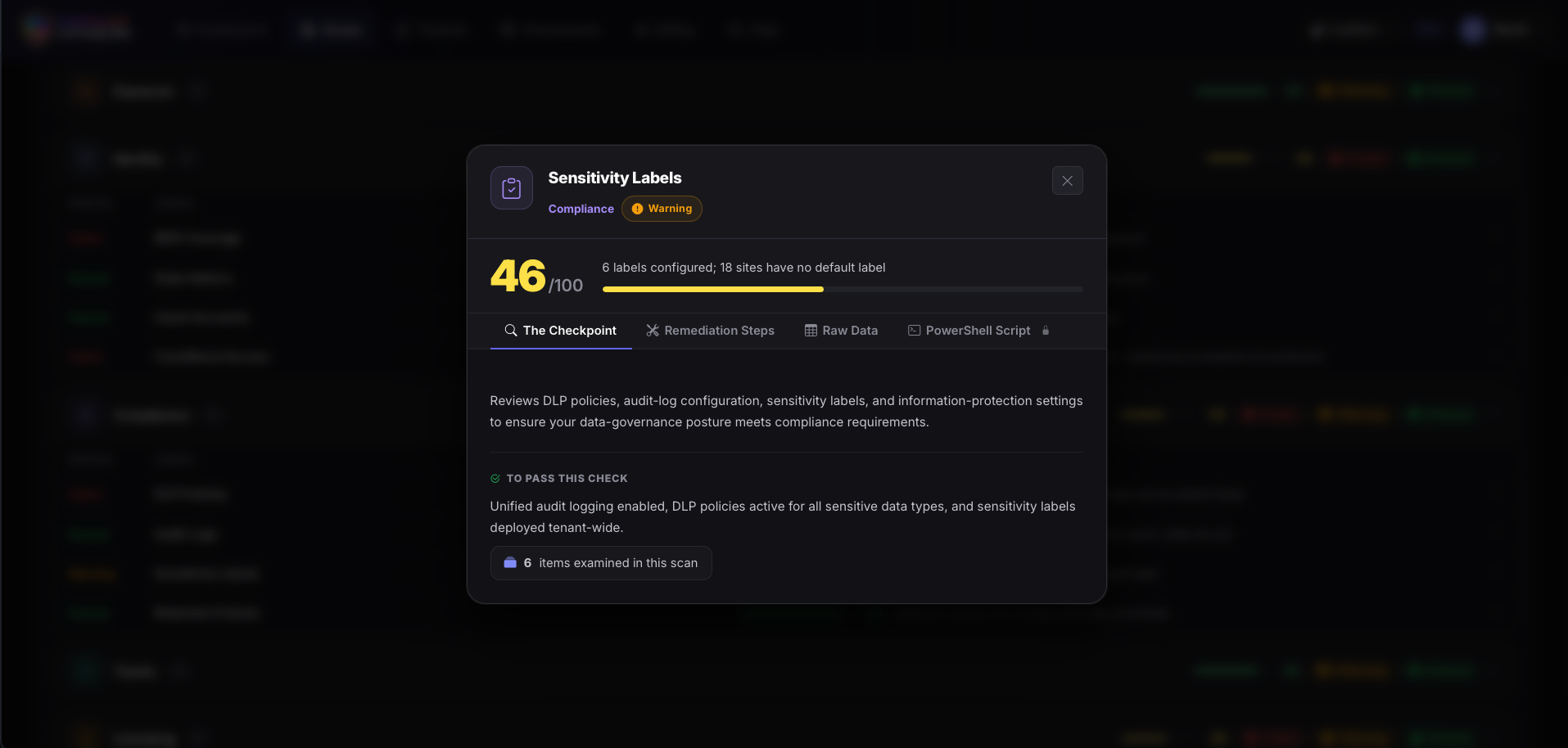
Sensitivity Labels
Understand your sensitivity label adoption: which labels exist, which files are labelled, and where unlabelled content sits inside Copilot's reach-before Copilot surfaces it.
- Label coverage per workload
- Unlabelled file count and Copilot exposure risk
- Label taxonomy completeness check
- Auto-labelling policy gap analysis
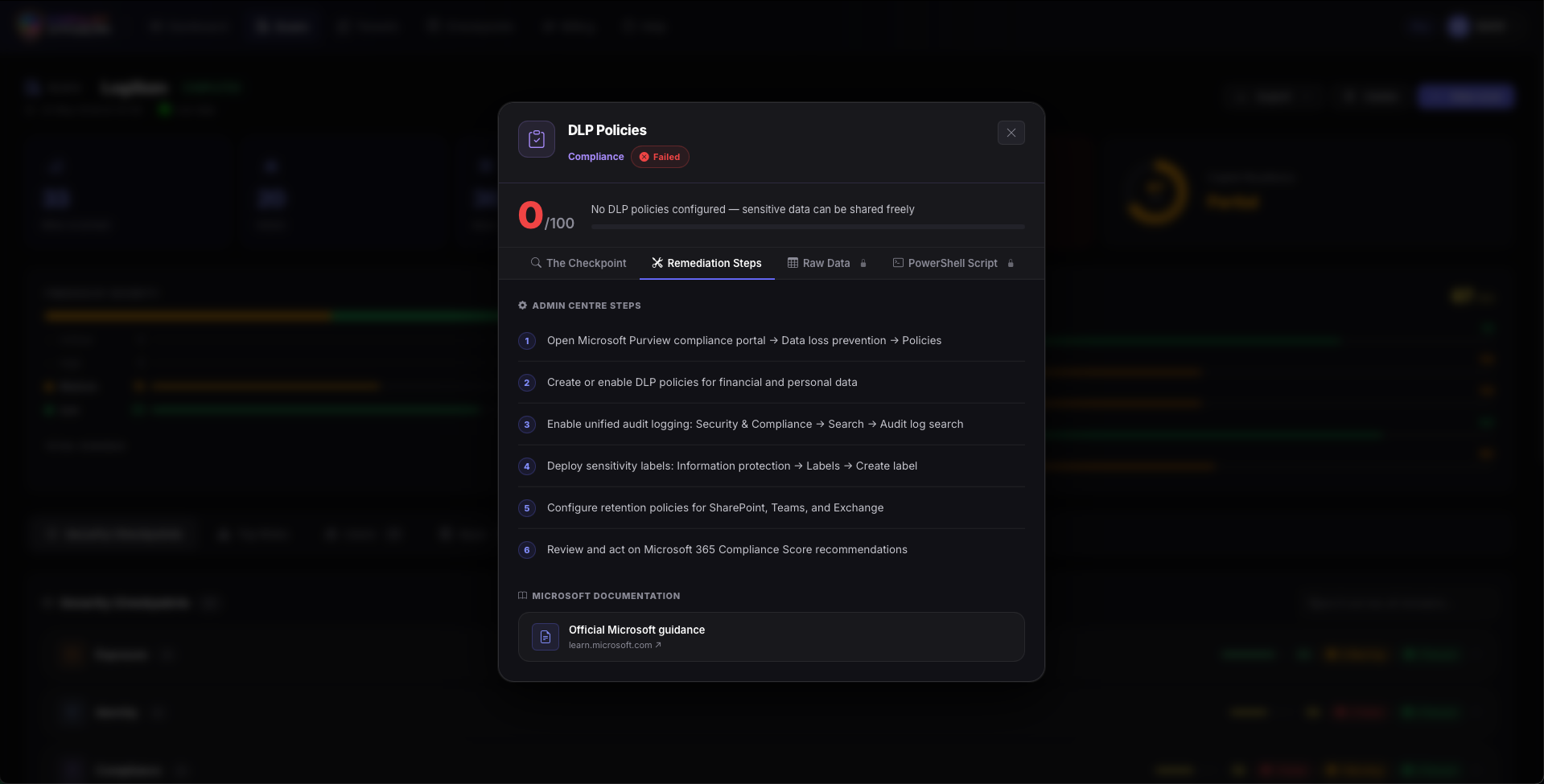
Remediation Steps
For every failed check, SafeScan provides a step-by-step remediation guide-including copy-paste PowerShell scripts where applicable. No guesswork, no Google required.
- Step-by-step admin centre guidance
- PowerShell script provided for technical remediations
- Priority order recommendations
- Estimated effort and complexity rating
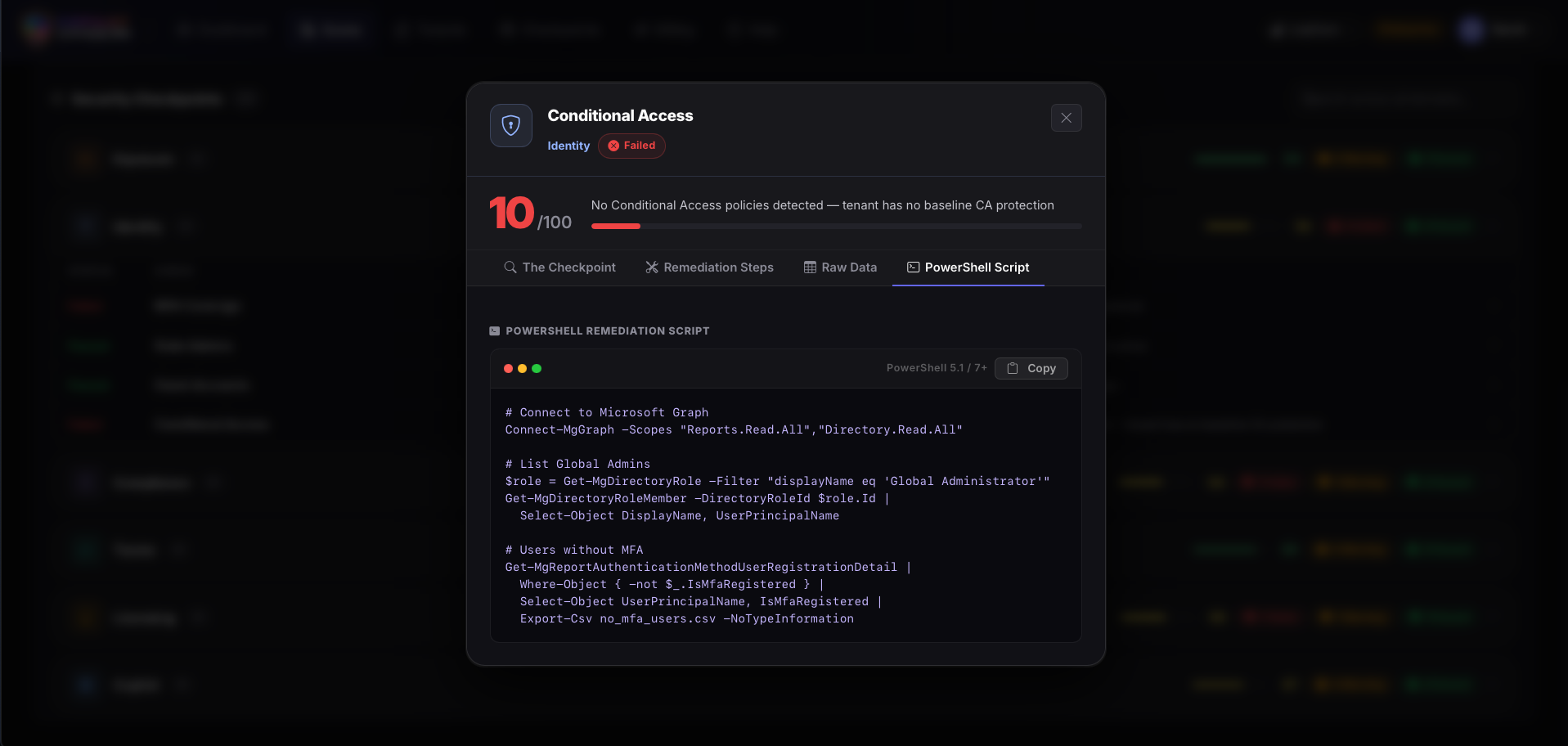
PowerShell & Conditional Access
Conditional Access policies checked against Microsoft best-practice baselines-with ready-to-deploy scripts for any gaps identified. Close the door, not just flag it.
- Named Location and MFA policy analysis
- Sign-in risk policy coverage check
- Baseline policy comparison (Microsoft MCRA)
- Ready-to-deploy PowerShell for missing policies
Trusted by IT teams across regulated industries.
From legal services to higher education-security teams using SafeScan find what they missed and fix it fast.
"We scanned our tenant in 4 minutes and found three critical DLP gaps we had no idea existed. The remediation steps were so clear our junior admin fixed them the same day."
"SafeScan gave us a compliance baseline we could present to our board within an hour of connecting it. The read-only access model made security approval trivial."
"The Copilot Readiness score was the killer feature for us. We were about to roll out Copilot to 400 users-SafeScan showed us we weren't ready. Saved us a very awkward conversation."
Your tenant has gaps.
Find them first.
Connect SafeScan in seconds. No agent installation, no data stored, no tenant changes. Just a clear, actionable picture of your M365 security posture.